Redirect Hacks: The Invisible Website Problem Quietly Costing Small Businesses Money
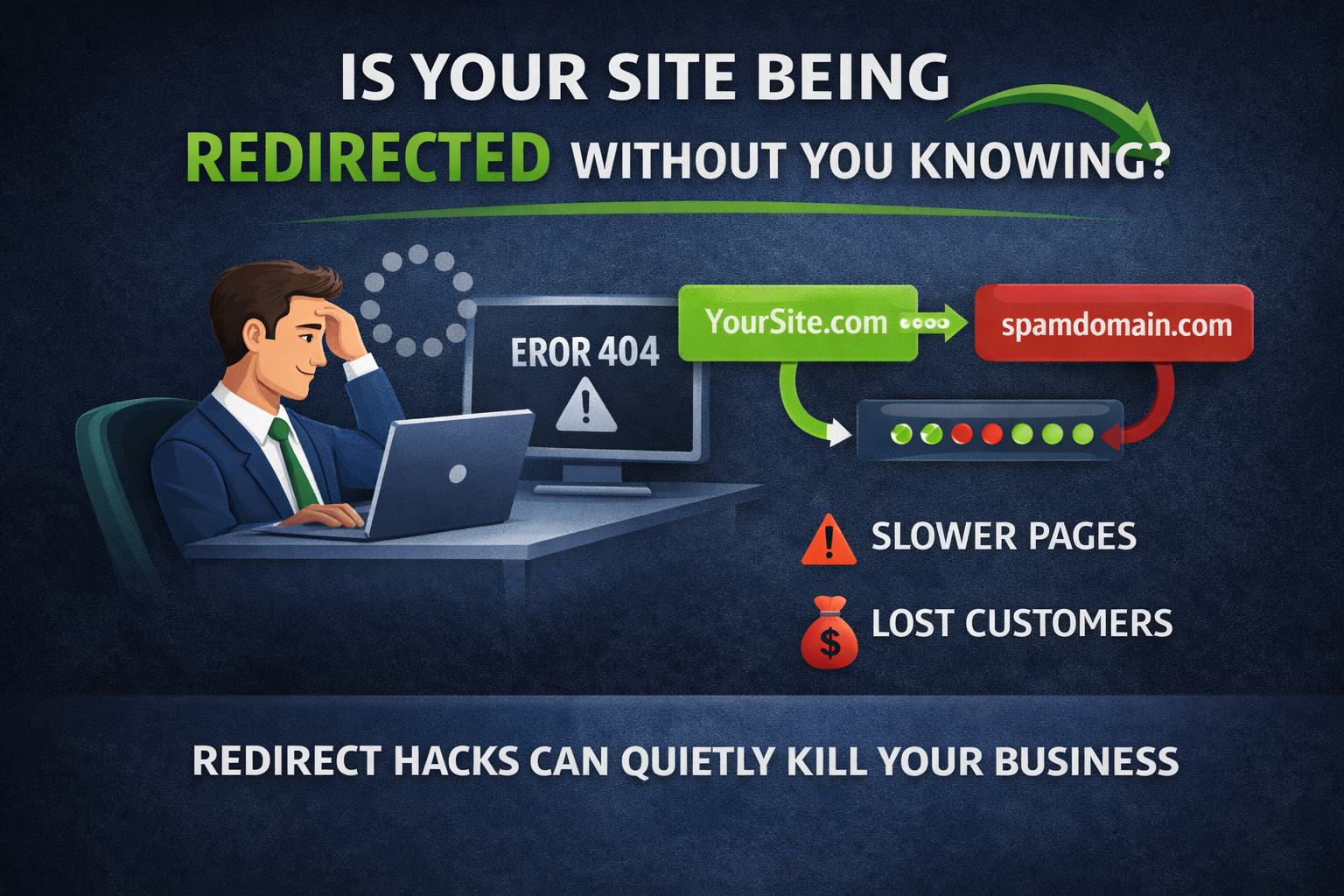
Most small businesses do not lose customers because their website goes completely offline. They lose customers because something almost invisible breaks quietly, slowly, and without obvious errors. Redirects are one of the most common examples.
A redirect problem can look like a tiny technical detail, but it can quietly steal traffic, slow pages, and drain ad spend before anyone notices.
Quick list of key points
- Redirects are normal, but hijacked redirects are a silent revenue drain.
- Redirect hacks often trigger only for certain users or traffic sources.
- Extra redirects slow pages before content even appears.
- Paid traffic can be intercepted without you noticing.
- SEO signals can weaken when redirects change unexpectedly.
- Most issues come from plugins, scripts, or misconfigured rules.
- Ongoing monitoring catches changes after updates and migrations.
What is a redirect (in plain English)?
A redirect is when someone visits one web address and your site automatically sends them somewhere else. That is normal when you move a page, upgrade to HTTPS, or change domains.
The trouble starts when redirects are misused, hijacked, or stacked without your knowledge.
What are redirect hacks?
A redirect hack does not always mean your entire site was hacked. It often means a malicious script or plugin injects a redirect, a compromised CMS sends visitors through an affiliate or spam domain, a misconfigured CDN or server rule sends traffic somewhere unintended, or paid traffic is silently redirected differently than organic traffic.
In many cases the homepage still loads, the owner sees no error, and customers experience delays, warnings, or end up somewhere else.
Why business owners rarely notice
Redirect hacks are dangerous because they trigger only under certain conditions. They might show up only for mobile users, first visits, or search traffic. They do not always appear when you test the site, and they rarely break the site entirely. They just degrade it.
That makes them hard to spot without monitoring.

The real cost of redirect abuse
- Redirects slow your site before it even loads. Each redirect forces the browser to make another request before loading the page. Multiple redirects can add hundreds of milliseconds to page load time.
- Speed loss leads to lost customers. Mobile visitors are quick to bounce, and even a one-second delay can reduce conversions. Redirect chains push you closer to abandonment without you realizing it.
- Redirect hacks can hijack paid traffic. A redirect injected into landing pages or checkout confirmations means you pay for the click, the visitor gets redirected, and you never see the conversion.
- SEO damage happens quietly. Search engines interpret redirect behavior as signals. Poor or malicious redirects can dilute ranking signals, confuse crawlers, and cause pages to drop in visibility.
Common ways redirect issues sneak in
- WordPress plugins or extensions
- Old marketing tools or scripts
- CDN or firewall rules
- Website rebuilds or migrations
- Third-party scripts added once and forgotten
They do not require a full breach, just one misconfigured rule.
Why monitoring matters more than one-time audits
Most businesses only check redirects during a redesign or when something is already broken. But redirect issues can appear after everything looks fine, including after plugin updates, CMS updates, CDN rule changes, or expired campaigns.
Ongoing monitoring tells you when a redirect appears that should not exist, when a redirect chain grows longer, when visitors are sent somewhere unexpected, or when redirect behavior changes suddenly.
Tools that help small businesses
There are tools that monitor website behavior, not just whether the site is up. Some focus on enterprise setups, but others are built for small businesses that do not have technical teams.
Monitoring platforms like AmIUp focus on continuous checks and alerts for small business websites and locations, including redirect chains, unexpected destination changes, and latency spikes.
The takeaway for business owners
Redirect hacks and misuse are dangerous because they do not cause alarms. They cause slower pages, fewer conversions, lost ad spend, and damaged trust while your site appears to be working. Monitoring redirects is not paranoia. It is basic protection for the digital front door of your business.
Monitor redirect changes before customers notice
Track redirects and get alerts when traffic is sent somewhere unexpected.
Keep exploring